Scaling Small Business Retail with QR Code Marketing
Published by the QRinsec Editorial Team — practical documentation about QR codes, barcode standards, and QRinsec’s client-side tools. Content is reviewed against product testing and published technical documentation from sources such as GS1, Denso Wave, and ISO standards where applicable.
Have questions or corrections? Contact us.
I was recently in a high-end outdoor apparel store looking for a specific winter jacket. I found the style I loved on the rack, but they didn't have a medium. I looked around for a sales associate, but the store was packed, and everyone was busy.
After five minutes of waiting, I walked out. The store lost a $300 sale simply because of a temporary labor bottleneck.
This happens thousands of times a day in retail. But it doesn't have to. Brick-and-mortar retail isn't dying, but "dumb" retail certainly is. Today’s consumers are deeply accustomed to the infinite information and instant gratification of e-commerce. They expect that same seamless experience when they walk into a physical store.
By integrating [QR code](https://en.wikipedia.org/wiki/QR_code)s intelligently across your retail space, you can bridge the gap between your physical shelves and your digital infrastructure. Here is how modern retailers are using this technology to save lost sales, educate customers, and drive massive revenue.
For small brick-and-mortar retailers and independent e-commerce brands, competing with massive conglomerates requires creativity and a flawless omnichannel customer experience. QR codes have emerged as the great equalizer, allowing small businesses to provide the deep, interactive product information usually reserved for big-box retailers.
By strategically placing QR codes on product packaging, receipt paper, and storefront windows, retailers in the US and Canada are successfully bridging the physical and digital divide. These visual hyperlinks drive foot traffic to online stores, boost social media followings, and provide critical post-purchase support that turns one-time buyers into loyal brand advocates.
Ready to implement this for your business?
Generate your own custom, high-resolution QR codes completely free. No sign-up required, no hidden limits.
Create Your Free QR Code NowInteractive Product Packaging
Small businesses producing artisanal goods, cosmetics, or specialty foods often struggle to fit their brand story, usage instructions, and ingredient lists onto a tiny physical label. A custom QR code solves this spatial constraint entirely.
By printing a small code on the back of a jar or box, customers can scan to watch a quick video on how to apply the skincare product, view recipe ideas for a specialty hot sauce, or read the founder's story. This extended digital experience builds significant brand trust and perceived value.
Bridging the Gap to E-commerce (Shopify & Square)
Many retailers operate hybrid models with both a physical storefront and a Shopify e-commerce site. When a customer walks into your store but you do not have their specific size or color in stock, you do not have to lose the sale.
By placing a QR code next to the display item reading 'Scan to order your size online with free shipping,' you seamlessly transition an offline window-shopper into an online conversion. This keeps the revenue within your ecosystem rather than the customer leaving and buying from a competitor.
Explosive Social Media Growth
Growing a localized social media presence is vital for boutique retailers. Instead of hoping a customer searches for your boutique's name on Instagram when they get home, you can prompt them while they are experiencing your brand in person.
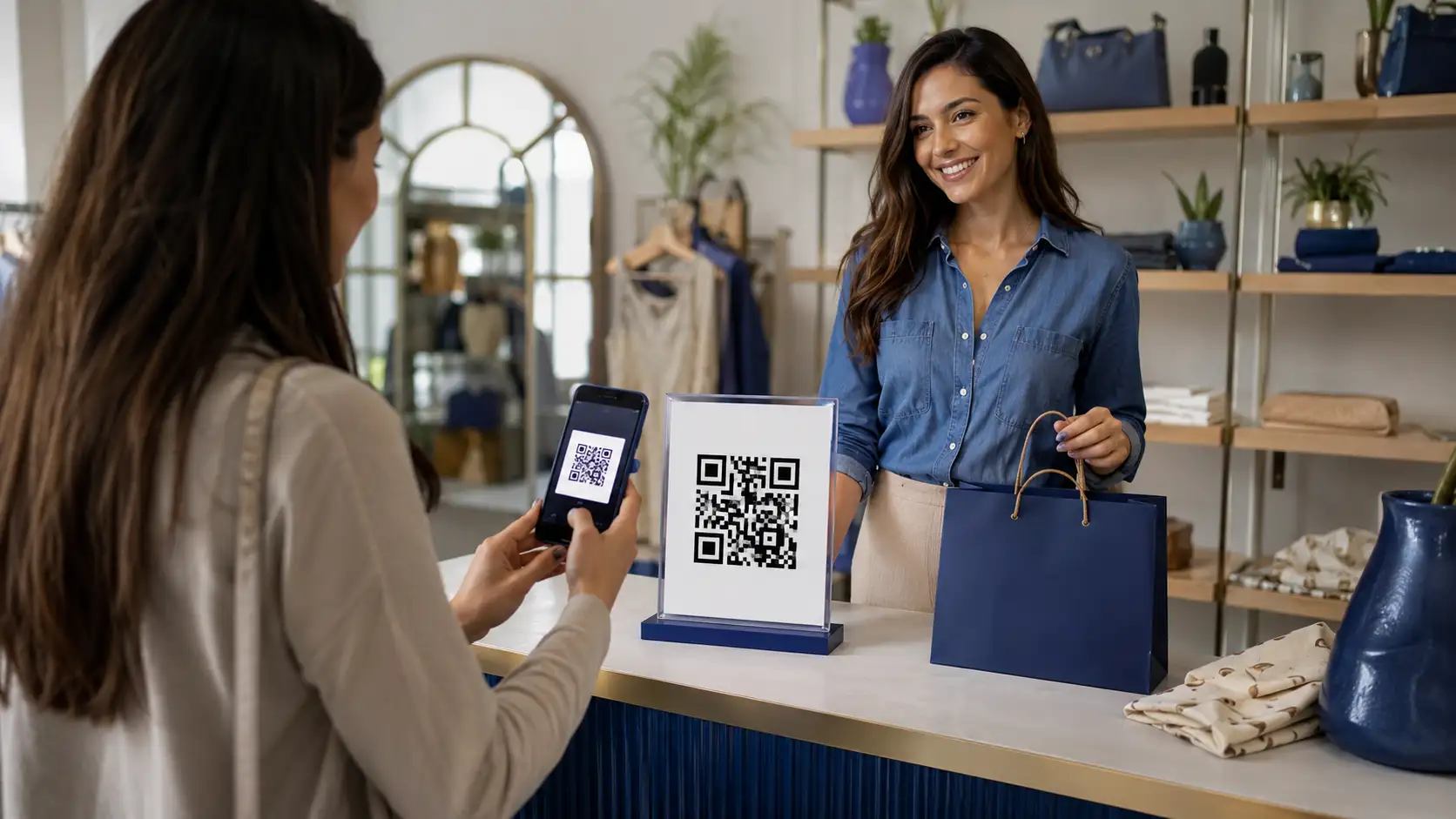
Generating a branded Social Media QR code (complete with the Instagram or TikTok logo embedded) and placing it on the checkout counter or inside shopping bags drastically increases conversion rates. Customers waiting in line can quickly scan and follow your account for updates on new inventory drops.
Tips & Best Practices
- Tip 1: When adding QR codes to curved product packaging (like bottles or jars), ensure the code is not too large. If the code wraps too far around the curve, the smartphone camera will distort the outer modules and fail to scan.
- Tip 2: Always match the QR code's color to your brand's packaging palette, but remember the golden rule: dark code on a light background. Never invert the colors.
- Tip 3: If you are putting a QR code on a storefront window decal to drive after-hours online sales, ensure it is printed large enough to be scanned by someone standing on the sidewalk outside.
Frequently Asked Questions
Where should I place the QR codes on the shelf?
Place them at eye level or waist level. Do not put them on the bottom shelf near the floor where a customer has to awkwardly bend down to scan them. Ensure they are well-lit.
Can I track which products are getting the most scans?
Yes, absolutely. By using [Dynamic QR code](/guides/static-vs-dynamic-qr-codes)s through a platform like [QRinsec](/qr-generator), you can attach unique tracking tags (UTMs) to each code. You can see your dashboard and realize, "Wow, the red sneakers are getting 500 scans a day, but no one is buying them." That data tells you your pricing might be wrong.
Do I need an app for my store for this to work?
No. Do not force customers to download your proprietary store app. Link the QR codes directly to your mobile-friendly website. You want the barrier to entry to be as low as possible.
Can I link directly to a specific product page on my Shopify store?
Yes. Just navigate to the specific product on your live Shopify site, copy the URL, and paste it into our generator. It will link directly to the checkout page if desired.
Can a QR code automatically apply a discount code?
Yes, if your e-commerce platform supports URL parameters for discounts. For example, Shopify allows you to format a URL like `yoursite.com/discount/SAVE10`. Encoding that URL will automatically apply the discount when scanned.
What is the smallest I can print a QR code on my packaging?
For reliable scanning across all modern smartphones, do not print the QR code smaller than 0.8 x 0.8 inches (2 x 2 cm).
Can I generate a Social Media QR code for my TikTok account?
Yes! Our Social Media QR generator specifically supports TikTok, Instagram, X, Facebook, and more, complete with official brand colors and embedded logos.