The Complete Guide to QR Codes for Restaurants and Cafes
Published by the QRinsec Editorial Team — practical documentation about QR codes, barcode standards, and QRinsec’s client-side tools. Content is reviewed against product testing and published technical documentation from sources such as GS1, Denso Wave, and ISO standards where applicable.
Have questions or corrections? Contact us.
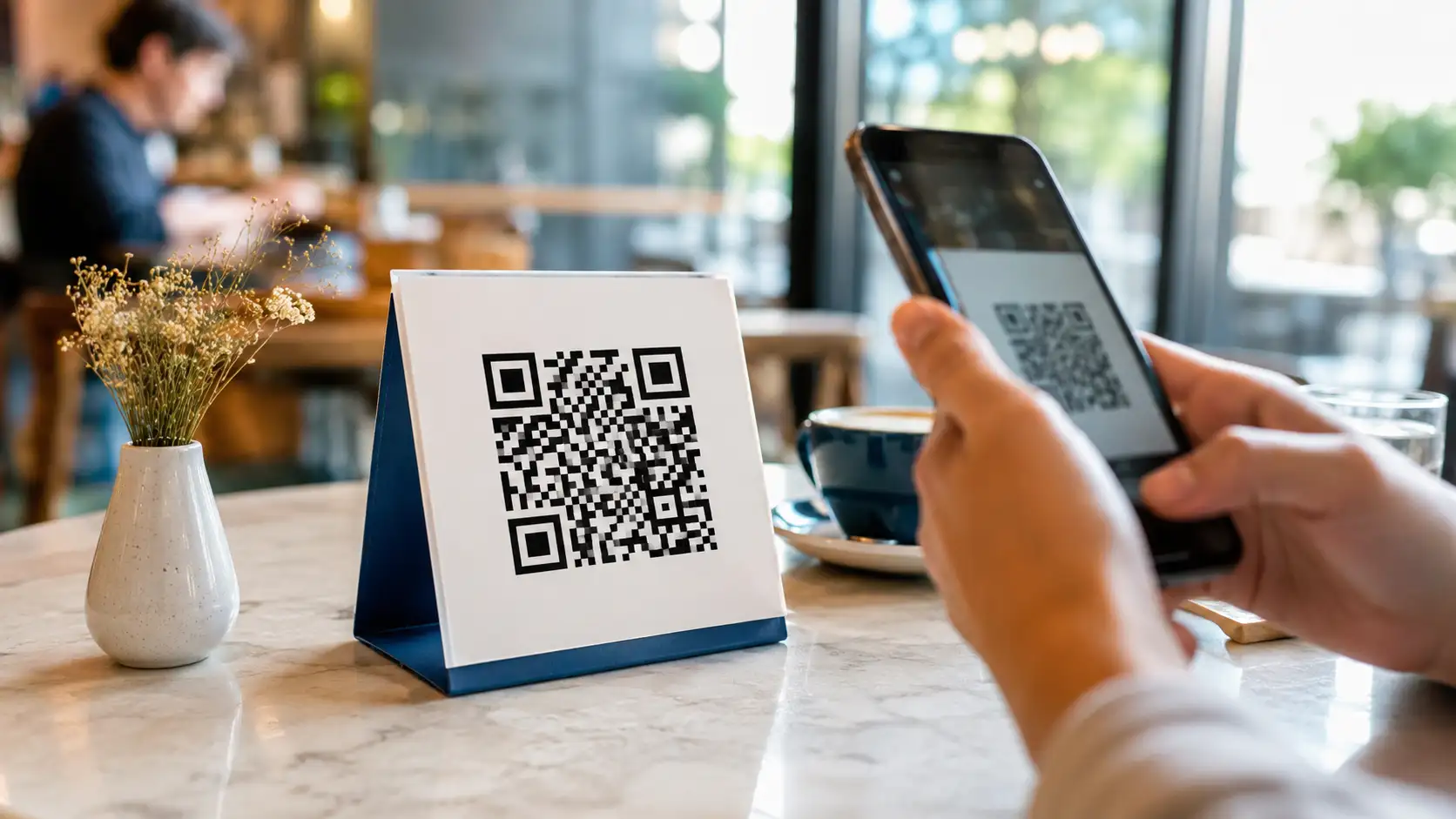
We all know what happened in 2020. The restaurant industry was forced to adapt overnight, and the digital QR menu became ubiquitous. You sit down, scan a little plastic standee, and read a PDF on your phone.
But if you are only using QR codes to display your menu, you are leaving an enormous amount of money on the table.
A restaurant is a highly complex logistical operation masked by hospitality. Your goal is to turn tables faster, increase the average check size, and ensure every guest leaves happy enough to write a five-star review. When deployed strategically, QR codes act as silent, highly efficient waiters that never get tired.
Here are 10 creative, revenue-boosting ways to implement QR codes in your restaurant that go far beyond a simple [PDF menu](/learn/create-pdf-qr-code).
The restaurant industry across the United States and Canada has undergone a massive digital transformation, and at the center of this shift is the humble QR code. What began as a temporary measure for contactless dining has permanently evolved into a core operational tool that reduces overhead, increases table turnover, and drives direct marketing engagement.
From bustling diners in Chicago to high-end bistros in Montreal, restaurant owners are leveraging custom QR codes to bypass expensive third-party delivery apps and connect directly with their patrons. Whether you operate a multi-location franchise or a single independent coffee shop, implementing a smart QR strategy can instantly modernize your customer experience.
Ready to implement this for your business?
Generate your own custom, high-resolution QR codes completely free. No sign-up required, no hidden limits.
Create Your Free QR Code NowContactless Digital Menus
Physical menus are expensive to print, difficult to keep clean, and a hassle to update when you 86 an item or change seasonal pricing. By placing a custom QR code on a table tent or directly integrated into the tabletop design, customers can instantly access a live, high-resolution PDF or mobile-optimized web menu.
This means you can update your wine list or daily specials in real-time without ever visiting a print shop. Furthermore, studies show that customers ordering from digital menus tend to spend up to 15% more, as high-quality photos of appetizers and desserts can be prominently displayed to drive impulse purchases.
Streamlining Online Ordering and Payments
Labor shortages continue to challenge the hospitality sector. QR codes offer a seamless solution by allowing guests to order and pay directly from their smartphones. By linking a QR code to your Square, Toast, or customized Shopify POS ordering portal, you empower guests to dictate the pace of their meal.
Customers no longer have to flag down a server to ask for the check. They simply scan the code, review their itemized bill, split the cost with their friends, and securely pay via Apple Pay or Google Wallet. This significantly reduces table turn times during busy Friday night dinner rushes.
Skyrocketing Google Reviews and Loyalty Sign-ups
A steady stream of positive Google Reviews is the lifeblood of local SEO. Instead of hoping a satisfied customer remembers to leave a review when they get home, you can capture their sentiment while they are still at the table. Printing a dedicated 'Leave a Review' QR code on the bottom of the receipt directs them straight to your Google Business Profile.
Similarly, a QR code placed near the hostess stand can link directly to your email newsletter or VIP loyalty program sign-up. Offering a small incentive, such as a free dessert on their next visit, drastically increases scan rates and helps you build a robust database for future SMS and email marketing campaigns.
Tips & Best Practices
- Tip 1: Always ensure your QR code has a clear Call to Action (CTA) printed next to it. Do not just place a floating square on a table; frame it with text like 'Scan to View Menu' or 'Pay Bill Here'.
- Tip 2: When designing your code, avoid dark backgrounds with light modules. Smartphone cameras are designed to read dark dots on a light background. Stick to dark brand colors (like navy or deep burgundy) on pure white for maximum scannability under dim restaurant lighting.
- Tip 3: If you are embedding your restaurant's logo in the center of the QR code, ensure you select a High (H) Error Correction level. This prevents the logo from rendering the code unreadable.
Frequently Asked Questions
Do I need to pay a subscription to keep my menu QR code active?
No! If you generate a static QR code using our free tool and link it to your permanent website menu URL, it will never expire and will never cost you a dime.
How large should the QR code be on a table tent?
For table tents, the QR code should be at least 1.5 x 1.5 inches. Because the customer will be scanning it from a seated position (usually 1-2 feet away), a slightly larger code ensures it scans instantly even in low light.
Can I use a QR code to link to my UberEats or DoorDash page?
Absolutely. You can paste any valid URL into the generator, including links to third-party delivery services, making it easy to put on takeout flyers.
What format should I give to my commercial printer for our menus?
Always download and provide the SVG or PDF vector format. This ensures the QR code prints razor-sharp. Using a PNG could result in pixelation that ruins the scannability.