Transforming Nonprofit Fundraising with QR Codes
Published by the QRinsec Editorial Team — practical documentation about QR codes, barcode standards, and QRinsec’s client-side tools. Content is reviewed against product testing and published technical documentation from sources such as GS1, Denso Wave, and ISO standards where applicable.
Have questions or corrections? Contact us.
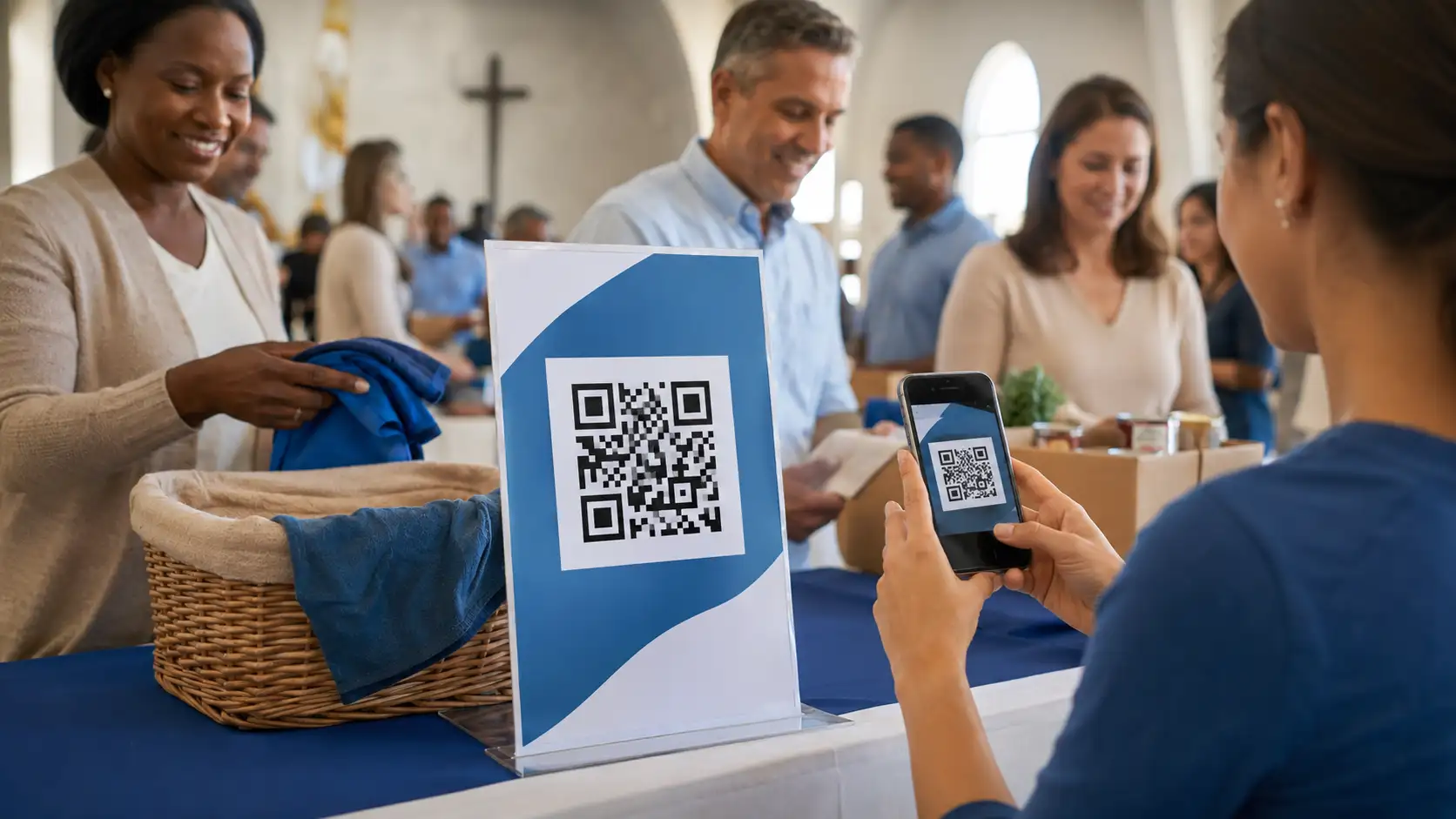
For nonprofit organizations, charities, and religious institutions, removing the friction between a supporter's inspiration and their physical donation is critical. In an increasingly cashless society across the US and Canada, passing a traditional collection plate or relying on mail-in checks is no longer sufficient to sustain aggressive fundraising goals.
QR codes have become an indispensable tool in the nonprofit sector. By embedding direct digital links onto direct mailers, church bulletins, and event banners, organizations can instantly route supporters to secure payment gateways or volunteer registration portals before their attention wavers.
Ready to implement this for your business?
Generate your own custom, high-resolution QR codes completely free. No sign-up required, no hidden limits.
Create Your Free QR Code NowFrictionless Cashless Donations
The most direct application of QR technology in the nonprofit sector is facilitating instant digital giving. By printing a custom QR code on a pew back, a charity gala program, or a direct mail newsletter, donors can bypass the hassle of writing checks.
When scanned, the code routes them directly to your Stripe, PayPal, or Tithe.ly giving page. Because modern smartphones support Apple Pay and Google Wallet, a donor can complete a transaction in less than ten seconds using biometric authentication. This sheer convenience has been shown to increase impulse giving by over 25%.
Boosting Event Attendance and Volunteer Sign-ups
Organizing community cleanups, food drives, or weekend services requires immense logistical coordination. A QR code printed on a community bulletin board poster can link directly to an Eventbrite page or a Google Calendar invite.
This guarantees that the event is immediately saved to the user's phone calendar, complete with driving directions and timing. Furthermore, you can use a separate QR code to link to a volunteer intake form, capturing their contact information cleanly and eliminating the nightmare of deciphering handwritten clipboards.
Sharing Video Testimonials and Impact Reports
Donors want to know that their money is making a real difference, but massive printed annual impact reports are expensive and rarely read cover-to-cover. A more engaging approach is to mail a postcard featuring a compelling photo and a single QR code.
Scanning the code opens an emotional, high-definition video testimonial on YouTube showing exactly who their donation helped. This multimedia approach connects with the donor on a visceral level, drastically increasing the likelihood of recurring monthly donations.
Tips & Best Practices
- Tip 1: Trust is paramount for nonprofits. Ensure your QR code links to an HTTPS encrypted landing page (like a verified PayPal or Stripe portal) so donors feel secure submitting their credit card information.
- Tip 2: Customize the QR code with your organization's logo or the icon of a heart/cross in the center. This establishes visual credibility and reassures the scanner.
- Tip 3: Always include clear instructional text for older demographics who may be less tech-savvy. E.g., 'Open your camera app and point it here to donate.'
Frequently Asked Questions
Are the donations processed through your QR code generator?
No. Our tool merely creates the scannable image that links to your existing payment processor (like PayPal, Stripe, or Pushpay). We never touch your funds or take a percentage.
Can I use a QR code to gather email addresses for our newsletter?
Absolutely. Link the QR code to a Mailchimp or Constant Contact landing page. Place it on your church bulletins or event flyers to rapidly grow your digital congregation.
Do I need technical skills to generate a code for my charity?
Not at all. Our tool is designed to be completely intuitive. If you can copy and paste a URL from your web browser, you can generate a professional QR code in seconds.
Will these codes scan on older smartphones?
Yes. Both iOS and Android have supported native QR scanning directly from their built-in camera apps for many years. No third-party apps are required.