Modernizing Patient Experience in Healthcare with QR Codes
Published by the QRinsec Editorial Team — practical documentation about QR codes, barcode standards, and QRinsec’s client-side tools. Content is reviewed against product testing and published technical documentation from sources such as GS1, Denso Wave, and ISO standards where applicable.
Have questions or corrections? Contact us.
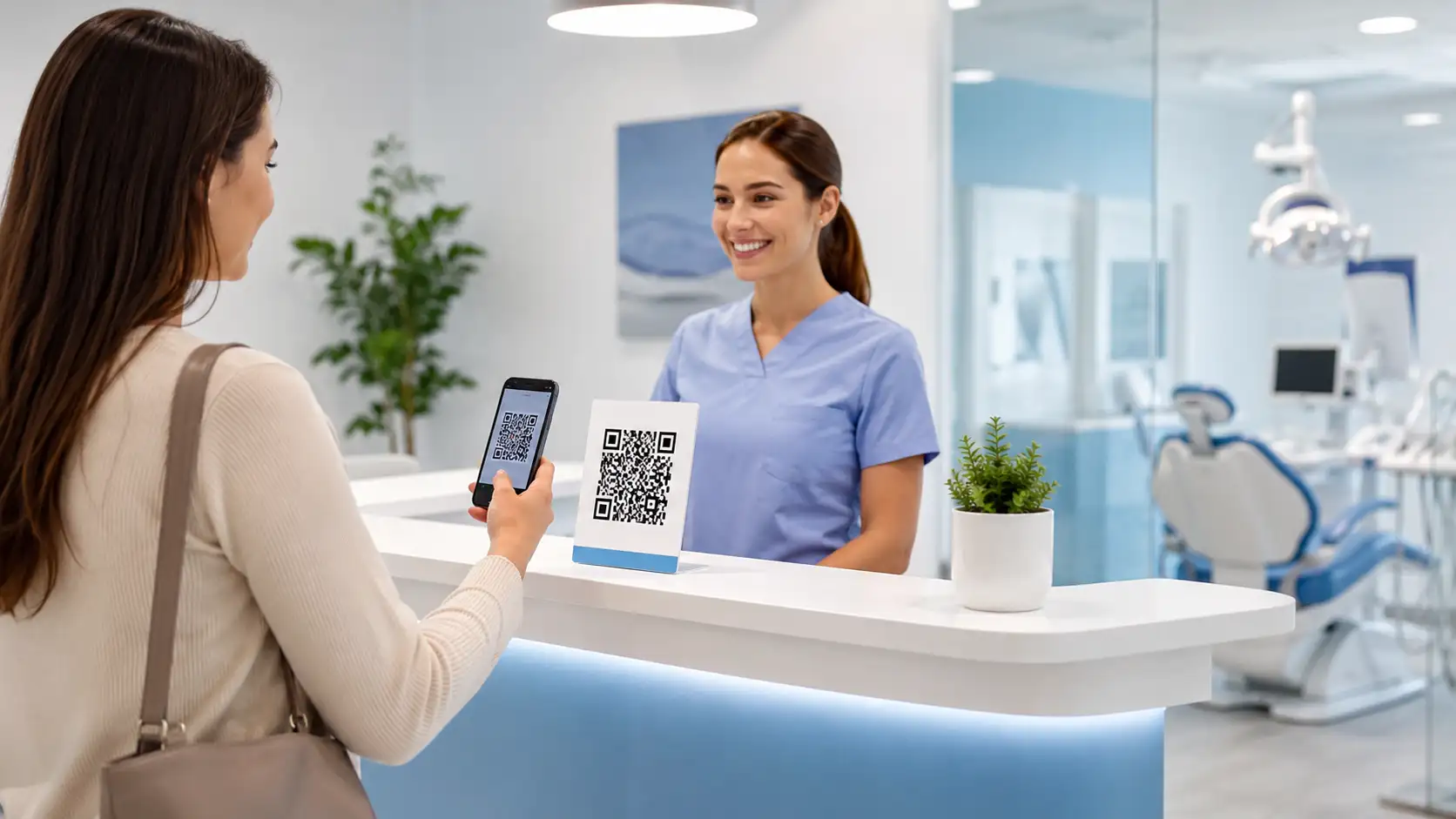
The healthcare industry, particularly independent dental clinics, chiropractors, and private medical practices across North America, faces immense pressure to reduce administrative overhead while simultaneously improving the patient experience. The traditional waiting room—characterized by clipboards, shared pens, and stacks of paper intake forms—is rapidly becoming a relic of the past.
By deploying secure, strategically placed QR codes throughout the clinic, healthcare administrators can transition to a completely frictionless, contactless intake process. This not only dramatically reduces the burden on front-desk receptionists but also ensures cleaner data entry and heightened hygiene standards.
Ready to implement this for your business?
Generate your own custom, high-resolution QR codes completely free. No sign-up required, no hidden limits.
Create Your Free QR Code NowContactless Patient Check-in and Intake Forms
Handing a new patient a clipboard with five pages of medical history forms is tedious and prone to transcription errors. Instead, progressive clinics are placing an acrylic standee at the reception desk featuring a prominent QR code.
When the patient scans the code, they are directed to a secure, HIPAA-compliant digital intake form (such as IntakeQ or a secure proprietary portal). They can fill out their medical history, upload photos of their insurance cards, and digitally sign consent forms from the comfort and privacy of their own smartphone.
Seamless Follow-up Appointments and Scheduling
Ensuring patients book their 6-month dental cleaning or physical therapy follow-up before leaving the building is vital for clinic revenue. However, long lines at the checkout desk often cause patients to leave without booking.
By placing a 'Scan to Book Your Next Appointment' QR code on the back of the examination room door or on a card handed out by the physician, patients can immediately access your Calendly, Zocdoc, or internal scheduling portal to lock in their next visit instantly.
Discharging and Post-Care Instructions
Patients are often overwhelmed with information during their discharge, leading to misplaced paper instruction sheets and subsequent phone calls to the clinic for clarification on medication or aftercare.
By printing a QR code on the patient's exit summary, you can link them to a secure portal featuring detailed post-care instructions, instructional physical therapy videos, and emergency contact numbers. This digital repository ensures they always have the correct guidance right in their pocket.
Tips & Best Practices
- Tip 1: Compliance is critical. The QR code itself does not store sensitive patient data, but you must ensure the URL it points to is fully HTTPS encrypted and utilizes a HIPAA-compliant forms provider.
- Tip 2: Place QR codes linking to educational materials (e.g., 'Learn about our Teeth Whitening process') in the waiting room to engage patients and upsell services while they wait for their appointment.
- Tip 3: Ensure the QR codes placed in examination rooms are printed on laminated cards or acrylic stands so they can be easily wiped down and sanitized along with the rest of the medical equipment.
Frequently Asked Questions
Are QR codes themselves HIPAA compliant?
The QR code is simply a visual representation of a web address. As long as the website or portal the QR code directs the patient to is secure and HIPAA compliant, using the code is perfectly safe and legal.
Can I use a QR code to connect patients to our clinic's guest WiFi?
Yes. Use the WiFi generator option to create a code that instantly connects patients to the waiting room network, keeping them entertained without your receptionist having to spell out the password repeatedly.
Will my older patients know how to use these codes?
QR code adoption has skyrocketed across all demographics. However, it is always best practice to include a short, clear instruction beneath the code, such as: 'Open your phone camera and aim it here to fill out your forms.'
Can we track which examination room generated a booking?
Yes! By appending unique UTM parameters to the URL before generating the code (e.g., `clinic.com/book?room=3`), your web analytics will show you exactly which physical codes are generating the most engagement.