Elevating Live Events and Weddings with QR Codes
Published by the QRinsec Editorial Team — practical documentation about QR codes, barcode standards, and QRinsec’s client-side tools. Content is reviewed against product testing and published technical documentation from sources such as GS1, Denso Wave, and ISO standards where applicable.
Have questions or corrections? Contact us.
If you have ever organized a large event—whether it is a corporate conference, a local food festival, or a multi-day music concert—you know that the first hour is always the most dangerous.
Hundreds of people arrive at exactly the same time. If your [check-in](https://en.wikipedia.org/wiki/QR_code) process relies on clipboards, printed alphabetical lists, or manual name-tag typing, a massive bottleneck will form. Attendees will spend their first 30 minutes standing in a miserable line, complaining.
The mood of your event is ruined before anyone even walks through the doors.
Event logistics used to be a nightmare, but QR technology has completely transformed the industry. Today, a well-executed QR strategy can move thousands of people through a gate in minutes, eliminate ticket fraud, and turn passive attendees into active networkers. Here is exactly how to deploy QR codes to run a flawless event.
The logistics of managing a live event—whether it is an intimate destination wedding, a massive tech conference, or a local music festival—can be incredibly overwhelming. Physical paper trails, such as mailed RSVPs, printed schedules, and disposable cameras, are not only expensive but highly inefficient in the digital age.
Event planners across the United States are turning to custom QR codes to centralize event information and enhance the guest experience. By integrating dynamic scannable links into invitations and venue signage, you ensure that every attendee has the most up-to-date information literally in the palm of their hand.
Ready to implement this for your business?
Generate your own custom, high-resolution QR codes completely free. No sign-up required, no hidden limits.
Create Your Free QR Code NowSeamless Digital RSVPs and Invitations
Chasing down mailed RSVP cards is a notorious pain point for couples and event coordinators. By printing an elegant, color-matched QR code on the bottom of an invitation suite, guests can confirm their attendance instantly.
The code links directly to a digital form (like The Knot, Zola, or a custom Google Form) where guests can specify their plus-ones, select their meal preferences, and note any dietary restrictions. This data is instantly compiled into a neat spreadsheet, saving hours of manual data entry.
Collaborative Photo and Video Sharing
The days of leaving disposable cameras on tables are long gone. Today, guests are capturing hundreds of high-quality photos on their smartphones, but the couple or event host rarely gets to see them all.
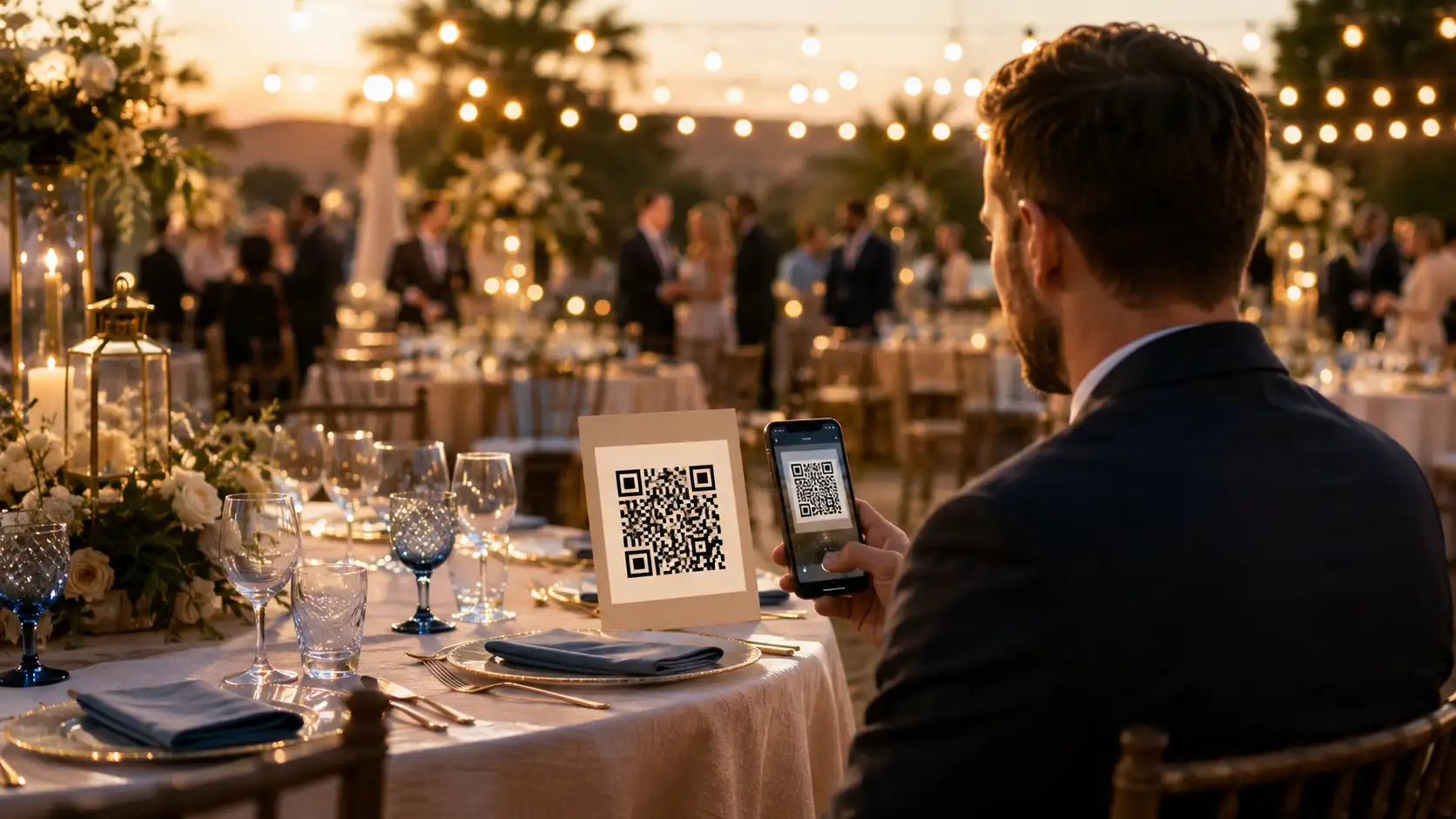
Place a framed QR code on the cocktail bar or dining tables that links to a shared iCloud Album, Google Drive folder, or a specialized app like WedBox. Guests scan the code and instantly upload their candid shots, ensuring you receive a massive, crowdsourced gallery of the entire night from every angle.
Interactive Schedules and Venue Maps
For multi-day corporate conferences or sprawling music festivals, printing massive schedule booklets is an environmental nightmare, especially since schedules inevitably change at the last minute.
A QR code printed on the attendee's lanyard badge can link to a live, mobile-optimized event schedule and venue map. If a speaker is delayed or a room changes, you simply update the webpage, and every guest has the new information the next time they scan.
Tips & Best Practices
- Tip 1: Aesthetics matter deeply for weddings and upscale events. Use our generator's color customization to match the QR code perfectly to your event's specific hex color palette, blending it seamlessly into your floral or minimalist theme.
- Tip 2: If you are printing a QR code on an invitation that will be mailed, ensure the paper finish is not overly glossy. High-gloss finishes can cause a glare from overhead lights that prevents smartphone cameras from focusing on the code.
- Tip 3: For collaborative photo sharing, keep the instructions extremely brief. A simple 'Scan here to upload your photos!' placed next to the code is all you need.
Frequently Asked Questions
Can I use the same QR code for everyone?
For general things like the venue map or the feedback survey, yes. One dynamic URL code can be scanned by everyone. However, for ticketing and check-in, every single ticket must have a unique, software-generated code to prevent fraud.
What happens if someone's phone battery dies at the door?
You must always have a fallback. Your check-in software should allow staff to manually type in the person's name or email address if their phone is dead or they lost their code. Technology fails; always have a manual override.
How do I generate unique codes for 1,000 tickets?
You do not do this manually. You use a dedicated event ticketing platform (like Eventbrite, Cvent, or a custom API integration) that automatically generates and emails the unique cryptographic QR codes as part of the purchase process.
Can I make a QR code that connects guests to the venue's WiFi?
Yes! Use our 'WiFi' data type option. Simply enter the network name and password into the generator. When guests scan the code, their phone will automatically join the network without them having to type a complex password.
Will the QR code ruin the design of my wedding invitations?
Not at all. You can customize the shape of the modules (e.g., circular instead of square), change the colors, and even embed a monogram in the center to make it look like a cohesive design element rather than a barcode.
How do I link a QR code to a Google Photos album?
Create your shared album in Google Photos, click 'Share' to generate a public link, and paste that link directly into our URL QR code generator.
What format should I use for a large welcome sign?
If you are printing a large A1 foam board for the entrance, you must download the QR code as an SVG or PDF. This ensures the printer can scale it up without any pixelation.