Are QR Codes Safe from Scams? Phishing & Security Guide
Published on June 7, 2026 · 6 min read
With the explosion of contactless menus, digital payments, and marketing materials, scanning a matrix barcode with your smartphone has become a daily habit for millions. However, this ubiquity has raised a critical cybersecurity question: are QR codes safe from scams? The short answer is that while the underlying technology is perfectly safe, the destinations they link to can be manipulated by malicious actors. Just as you wouldn't click a suspicious link in an unsolicited email, you must exercise caution before scanning random codes in the physical world.
How QR Code Scams Work (Quishing)
The technology itself—a matrix of black and white squares—is entirely benign. It is simply a visual representation of text or a URL. However, scammers exploit human trust and curiosity through a practice known as "quishing" (QR phishing). A common tactic involves printing a malicious code on a sticker and pasting it over a legitimate code on a parking meter or a poster. When an unsuspecting user scans the fraudulent code, they are directed to a spoofed website designed to steal credit card information or login credentials. The FCC has warned consumers about these tactics, urging the public to be vigilant when scanning codes in unmonitored public spaces.
The Risks of Dynamic Codes
When discussing security, it is essential to understand the difference between static vs dynamic QR codes. A static code contains the actual data hardcoded into the image; it cannot be changed once printed. A dynamic code, on the other hand, contains a short URL that redirects the user to the final destination. This redirection is incredibly useful for marketers who want to update a link without reprinting materials. However, if the service hosting that redirect is compromised, or if the domain expires and is purchased by a scammer, a previously safe dynamic code can suddenly redirect users to a malicious site.
Recognizing Tampered Codes
Physical tampering is the most common delivery method for these scams. Before you scan, you should physically inspect the material:
- Look for stickers: Does it look like a sticker was hastily placed over the original printed material? If so, do not scan it.
- Check the edges: Scammers often struggle to match the exact size and alignment of the original print.
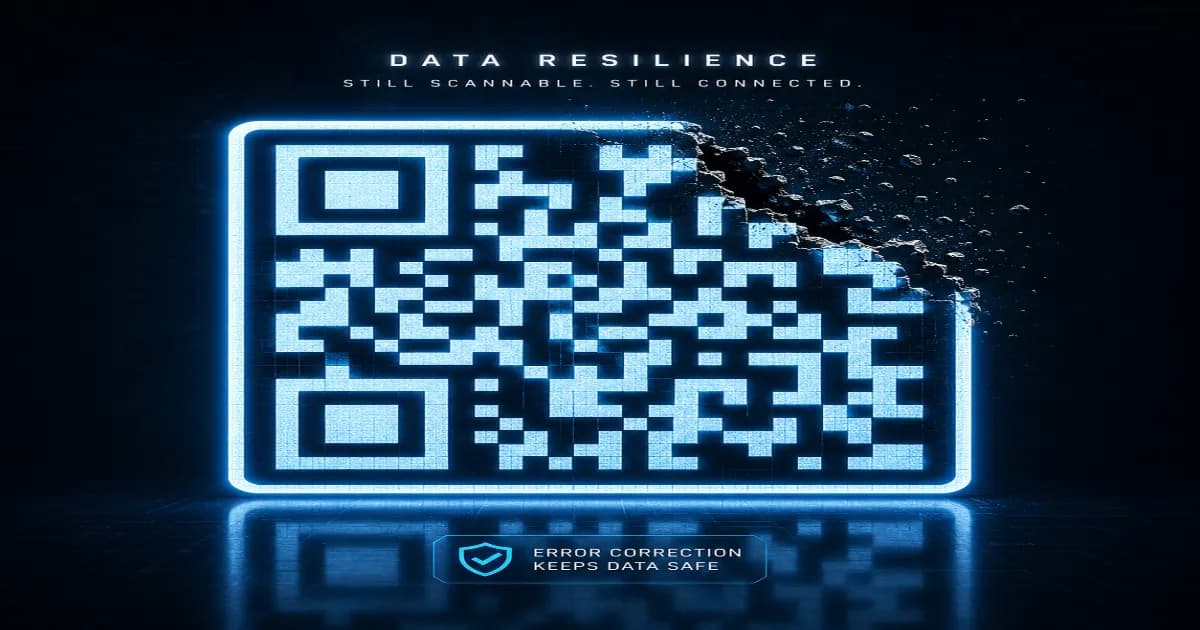
- Look at the design: If the code looks distorted, blurry, or lacks a central logo that the rest of the branding uses, be cautious. Interestingly, because of the way QR code error correction explained works, a code can be slightly damaged or partially covered and still scan perfectly, making it easier for scammers to overlay their codes without needing a perfect fit.
Digital Precautions
Your smartphone is your best defense against quishing. Almost all modern iOS and Android camera apps will display a preview of the URL before actually opening the browser. Always take a second to read this preview. If a parking meter code links to a random string of characters instead of the official city government website, close the app immediately. Additionally, be wary of scanning codes that prompt you to download an app directly rather than taking you to the official Apple App Store or Google Play Store.
Creating Safe Experiences
If you are a business owner, you have a responsibility to keep your customers safe. When you how to create WiFi QR code or promotional materials, consider using custom frames and embedded logos to make your codes harder to seamlessly cover with a generic sticker. Ready to build secure, trustworthy codes for your brand? Create your QR code now using our secure platform, which ensures your links remain safe, protected, and fully under your control.
Create your QR code for free
No sign up, no limits — generate and download in seconds.
Open the generator