How to Create a QR Code for a YouTube Video
Published on June 14, 2026 · 4 min read
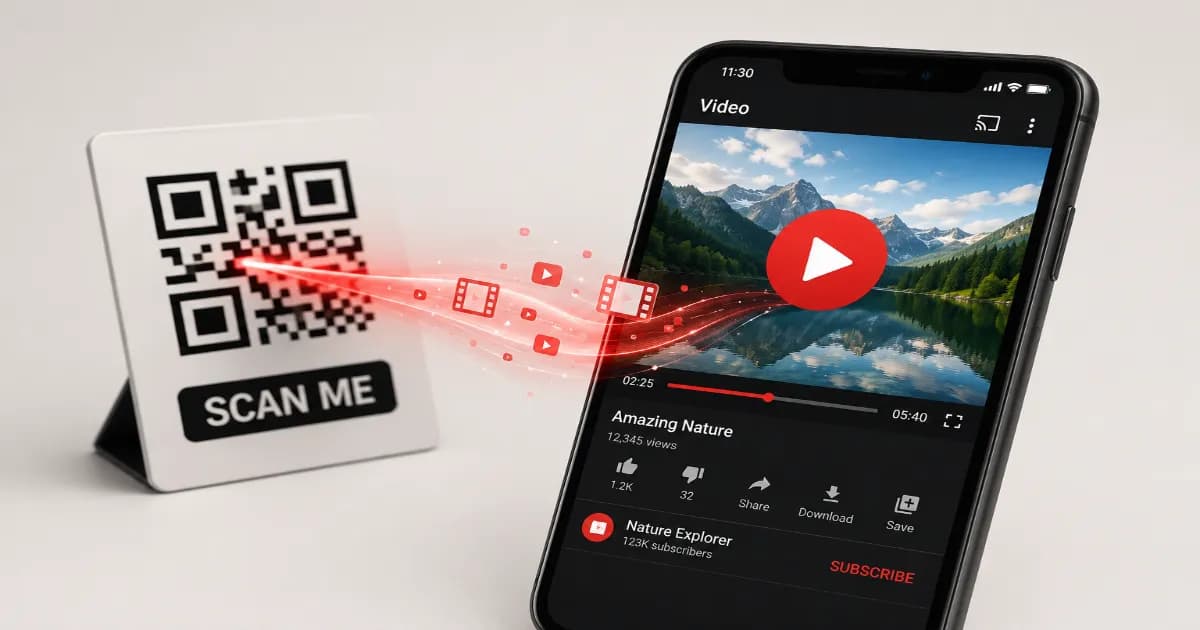
Video content is one of the most engaging ways to communicate with your audience, whether you're marketing a product, teaching a skill, or sharing a vlog. A QR code for a YouTube video allows you to bridge the gap between offline print and online video. Instead of asking people to search for a video title, they just scan and watch.
What is a YouTube QR code?
A YouTube QR code is a standard URL QR code specifically linked to a YouTube video URL. When scanned, modern smartphones automatically detect the YouTube link and open it directly within the native YouTube app (if installed) or in the mobile browser, providing an instant viewing experience.
Why use a YouTube QR code?
- Boost Views: Drive offline traffic directly to your videos.
- Enhanced Tutorials: Print codes on product packaging to link to assembly or instruction videos.
- Engaging Marketing: Add video content to static flyers, posters, or business cards.
- No Searching Needed: Users don't have to struggle typing long URLs or searching for specific titles.
How to create your code (step by step)
- Go to your video on YouTube and click the Share button to copy the direct video link (e.g.,
youtu.be/...). - Open the free QR code generator on our homepage.
- Select the Video or URL tab.
- Paste the YouTube link into the URL field.
- Customize your design. Using YouTube's signature red color or adding a play button icon in the center is highly recommended!
- Click Download and save your new code as a high-resolution PNG or SVG.
Best practices for sharing
Always ensure the code is printed large enough to scan easily. Adding a call-to-action next to the code, like "Scan to watch the tutorial," dramatically increases scan rates. This strategy works perfectly alongside other promotional tools like marketing QR codes. If you're promoting a whole channel, you might also consider linking to your main channel page.
More resources
To understand how video streaming has transformed media, read about the History of YouTube on Wikipedia.
Create your YouTube QR code now
Ready to share your videos with the world in a single scan? Open the generator today and create your custom video code in seconds.
Create your QR code for free
No sign up, no limits — generate and download in seconds.
Open the generator