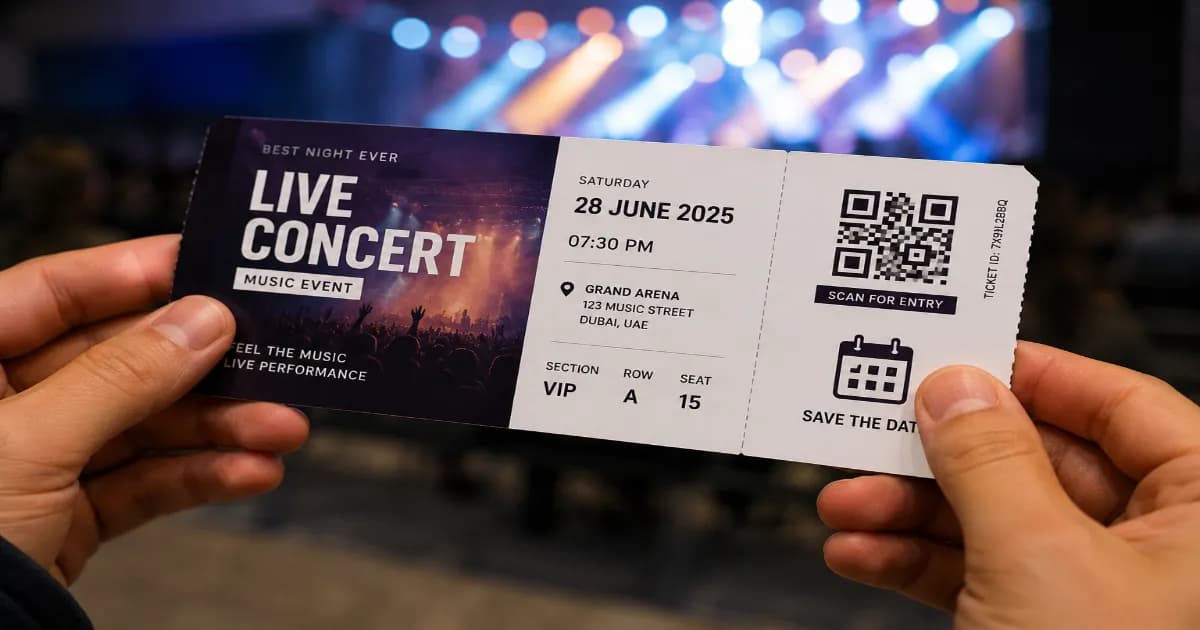
How to Create an Event QR Code for Your Calendar
Published on June 15, 2026 · 5 min read
Organizing an event requires clear communication to ensure your guests arrive on the right day, at the right time, and at the right location. An Event QR code streamlines this process by turning your event details into a scannable graphic that saves directly to a smartphone's calendar app. This ensures your event is never forgotten.
What is an Event QR code?
An Event QR code stores structured calendar information (using the iCalendar format). When scanned, the smartphone reads this data and prompts the user to add the event to their native calendar app (like Apple Calendar or Google Calendar). It typically includes the event title, start and end times, location, and a brief description.
Why use an Event QR code?
- Increase Attendance: If the event is in your guest's calendar, they get an automated reminder, significantly reducing no-shows.
- Convenience: Guests don't have to manually type out dates, times, and addresses, eliminating human error.
- Professionalism: Adds a modern touch to your physical invitations.
- Seamless Integration: Works universally across almost all modern smartphone operating systems.
How to create your code (step by step)
- Gather all your event details: title, date, start time, end time, and location.
- Open the free QR code generator on our homepage.
- Select the Event tab from the menu.
- Input your specific details. Make sure the time zones and dates are correct!
- Customize the code. You might want to use colors that match your event's theme or add a calendar icon.
- Click Download and choose a high-quality format like SVG or PDF for printing.
Best practices for sharing
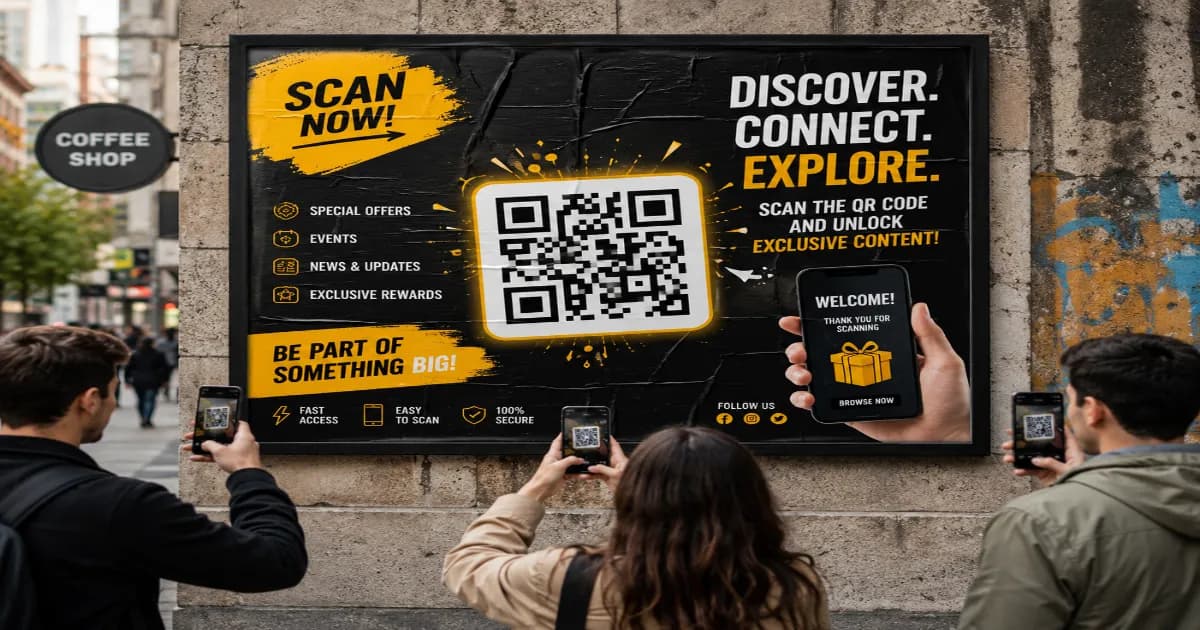
Print the code clearly on your physical invitations, save-the-date cards, posters, or digital flyers. Ensure the printed code is at least 3x3 cm so it can hold the denser data required for calendar events. If you're organizing a large gathering, you might also find a vCard QR code useful for sharing organizer contact details, or read our specific guide on QR codes for weddings and events and marketing ideas.
More resources
To understand the underlying calendar data format used by all modern devices, you can read about iCalendar on Wikipedia.
Create your Event QR code now
Ready to make RSVPing effortless for your guests? Open the generator today and create your scannable calendar invite in seconds.
Create your QR code for free
No sign up, no limits — generate and download in seconds.
Open the generator