How to Create an Email QR Code and SMS QR Code Easily
Published on June 13, 2026 · 4 min read
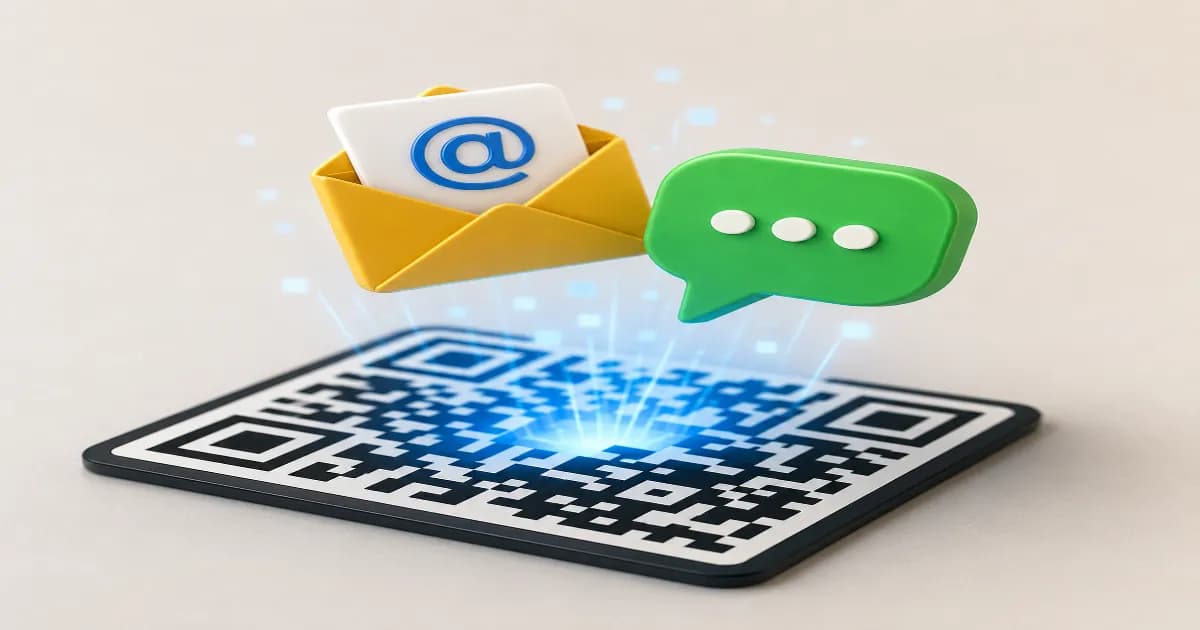
Communication is the backbone of any successful business, and making it as easy as possible for customers to reach out can significantly increase engagement. By generating an email QR code and SMS QR code, you eliminate the friction of typing long addresses or phone numbers, bridging the gap between offline interest and online interaction. Just a quick scan, and your customer is ready to hit send.
The Power of Scan-to-Message Technology
In today's fast-paced world, convenience is absolutely everything. When a user scans an email QR code, their smartphone's default mail application opens automatically with a pre-filled recipient address, a designated subject line, and even a draft message body. Similarly, an SMS QR code instantly opens the native messaging app with a pre-defined phone number and a ready-to-send text message. This seamless transition from the physical world to a digital conversation is exactly why these tools are becoming essential for modern enterprises. They completely remove the risk of typos, save valuable time, and dramatically improve the chances of a customer actually following through with an inquiry, complaint, or feedback. For businesses looking to enhance their direct outreach, this is a revolutionary game-changer. Whether you are using them on professional business cards, which pairs wonderfully with a scannable vCard QR code, or on retail product packaging, the immediate and frictionless connection is invaluable.
How Email and SMS Codes Work
To understand how these communication codes function, it helps to look closely at the underlying technology. A standard QR code (Quick Response code) is a two-dimensional matrix barcode that can store various types of data. For emails, the code stores a specific mailto: URI scheme, which all modern smartphones and computers universally recognize. For SMS messaging, it utilizes an smsto: prefix. When the phone's built-in camera or scanner app reads these specific prefixes, it instantly triggers the device's corresponding communication application. Because this system relies on fundamental internet and telecommunication protocols, it works reliably across almost all modern operating systems without requiring any special software or third-party apps. It is a robust, universal standard that ensures absolute reliability for your marketing and support campaigns.
Key Benefits for Your Business Operations
Implementing an email QR code and SMS QR code strategy offers numerous, measurable advantages for your daily operations:
- Instant Customer Support: Place an SMS code directly on your store receipts or product manuals so customers can quickly text a representative for immediate help.
- Effortless Feedback Collection: Use an email code on restaurant table tents or hotel room flyers to gather detailed, private reviews before a customer posts publicly.
- Streamlined Lead Generation: Pre-fill a text message asking for a price quote or consultation, making it incredibly effortless for potential prospects to reach out to your sales team.
- Higher Conversion Rates: By entirely removing the annoying barrier of manually typing contact details, a significantly higher percentage of users will complete the desired action.
- Cost-Effective Marketing: These codes are virtually free to generate and can be printed on existing marketing collateral, maximizing your return on investment.
Setting Up Your Codes for Success
Creating these specific codes is incredibly straightforward, but requires a bit of planning. First, decide what the primary purpose of the communication will be. If you need detailed information, attachments, or formal inquiries, an email code with a pre-filled subject line (such as "New Support Request" or "Partnership Inquiry") is absolutely ideal. If you want a quick, informal, and conversational interaction, SMS is the better choice. You might also want to explore popular messaging alternatives like a WhatsApp QR code if your target audience heavily prefers internet-based instant messaging platforms. Once you know your goal, simply input your designated email address or mobile phone number into the generator, carefully add any default text you want the user to send, and download your high-resolution image for printing.
Best Practices for Printing and Sharing
When adding these codes to your physical materials, always ensure they are printed with high contrast—typically black on a solid white background—to ensure optimal scannability under various lighting conditions. Never print a code too small; aim for at least 2x2 centimeters. Most importantly, include a clear, compelling call-to-action right next to the image. A simple instructional phrase like "Scan to email our support team" or "Text us for a 10% discount" sets the correct expectation and encourages interaction. You can easily incorporate these communication tools into broader advertising strategies; check out our comprehensive guide on QR codes for marketing ideas for more inspiration on placement, context, and creative campaign design.
Start Connecting Today
Are you ready to completely streamline how your valued customers contact your business? Take full advantage of our free, easy-to-use tools to build your custom communication links. Create your QR code now and watch your customer engagement and satisfaction grow effortlessly with every scan.
Create your QR code for free
No sign up, no limits — generate and download in seconds.
Open the generator